CircleUs for Families

Your family,
always in sync.

One private circle for the people who matter most. Shared calendar, live location, chat, tasks, and a quiet AI - all without ads, algorithms, or group-chat noise.

Group chats bury the important stuff. CircleUs keeps your family organized in one shared calendar, with lists, tasks, and live location everyone can actually find. No endless scrolling, no missed pickups - just one private hub where plans stay put.
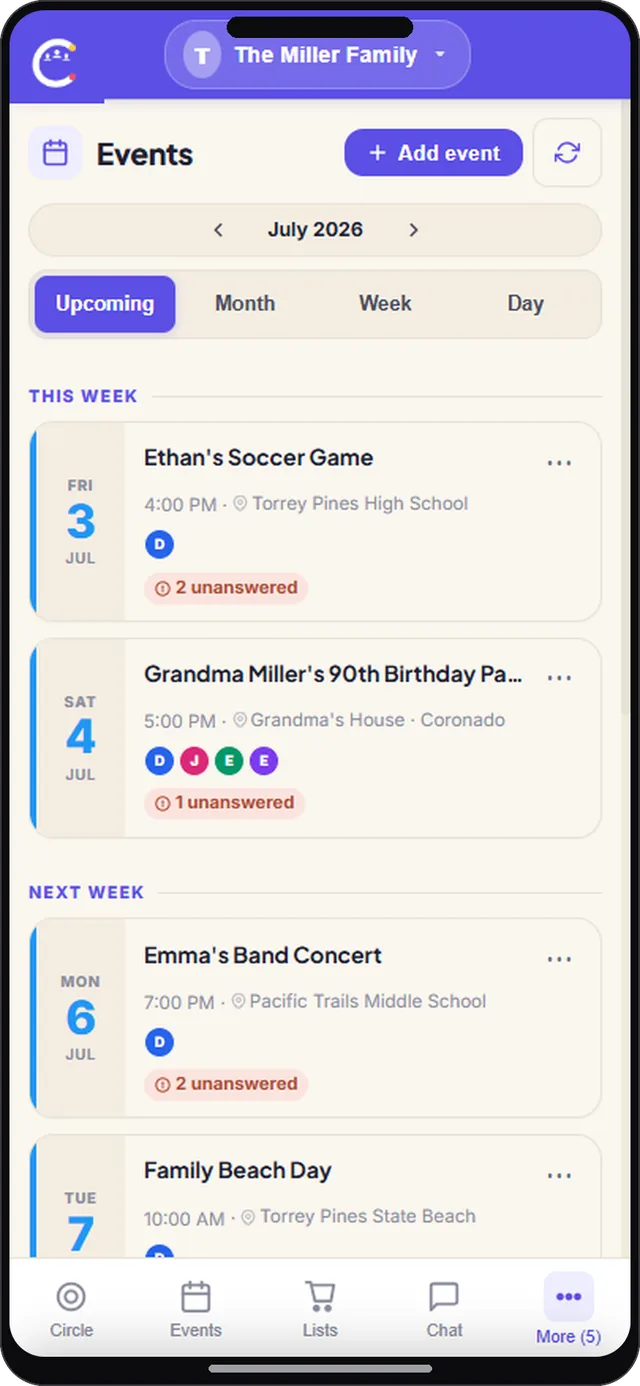
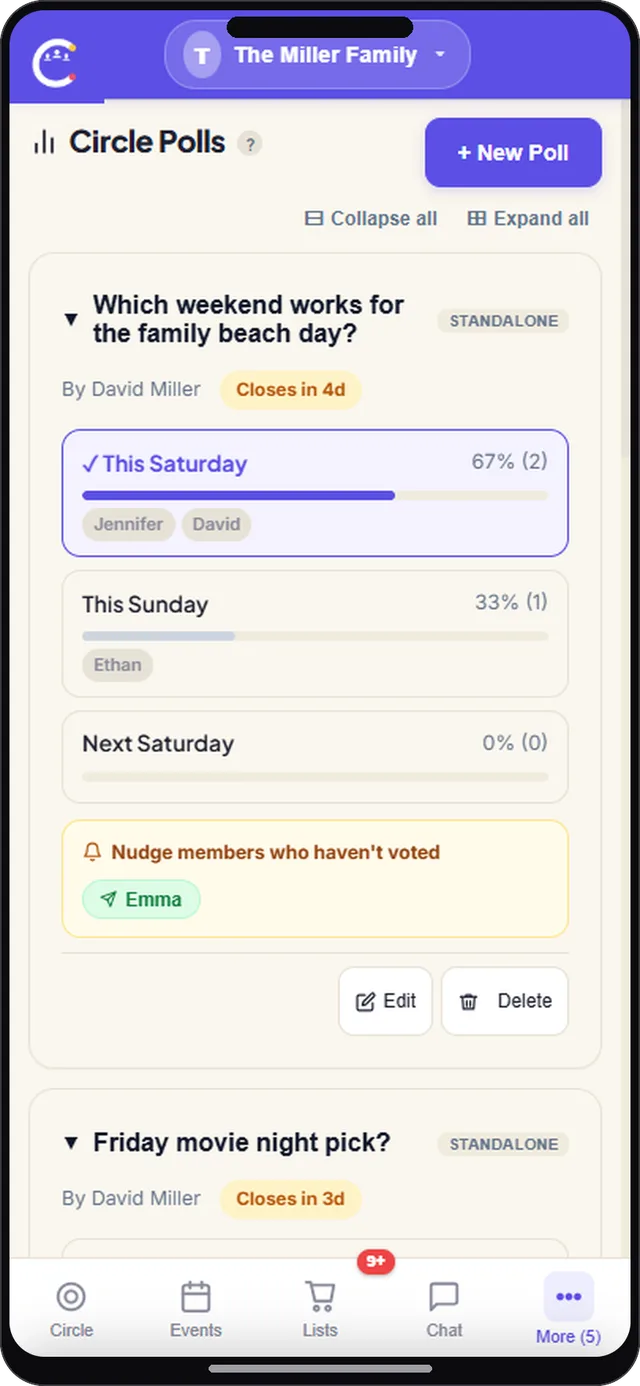
CircleUs for Families - CircleUs app screenshot
Take a Tour of CircleUs

See how families run the week

Tap each feature to see how it works, with real screens and real flows.

Family gatherings and calendar screen in CircleUs for families
Gatherings

Plan it once,
settle every detail

Create the family event a single time and let everyone RSVP in a tap. CircleUs tracks who is coming, who is out, and who went quiet, so you stop counting heads across the family chat.

  • RSVP with going, maybe, or out
  • Automatic reminders so nobody forgets
  • Day, week, and month calendar views
  • Shared with your whole family at once
Set up your first event
Family poll to vote on weekend plans in the CircleUs family organizer app
Family polls

Settle family plans
with a quick vote

Beach day Saturday or Sunday? Tacos or pizza? Post a family poll, let everyone vote in one tap, and the result saves itself so the whole family can see what was decided.

  • One tap polls for any family decision
  • Live results every member can see
  • Perfect for outings, meals, and dates
  • Everyone gets a say, nobody is overruled
Run your first family poll
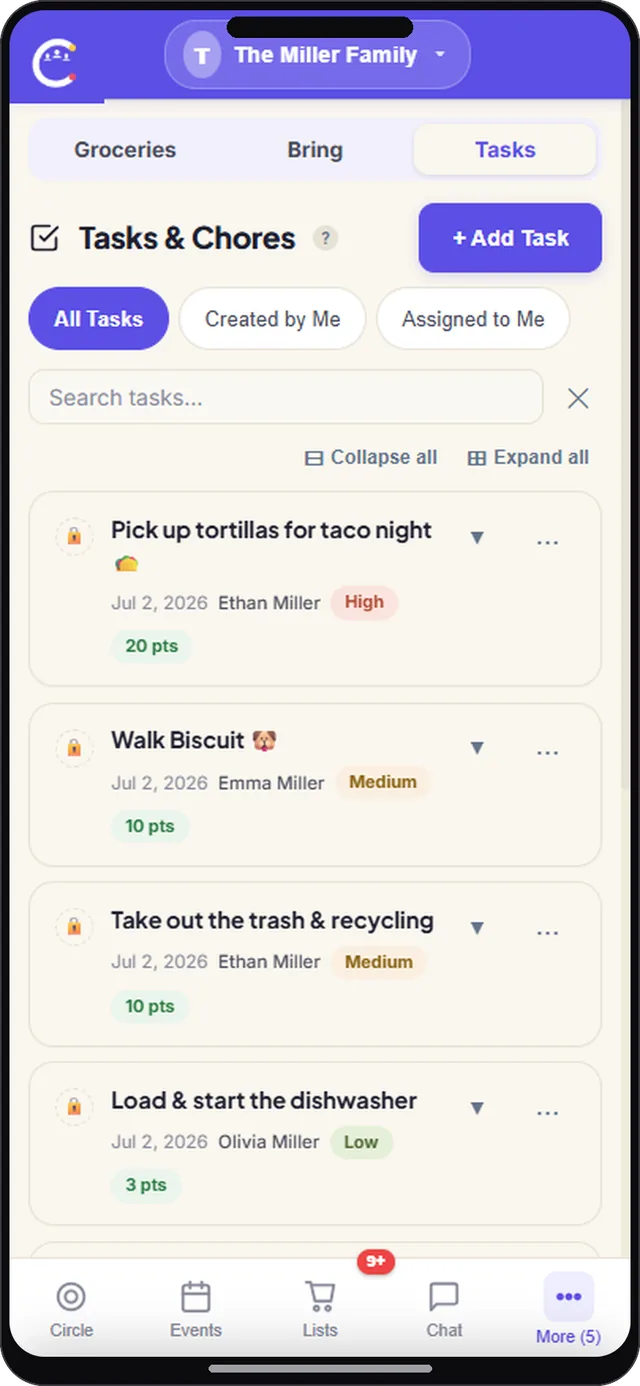
Tasks and chores screen in CircleUs for families
Tasks and chores

Share the load,
get things done

Assign tasks with due dates and owners so everyone in the family knows what is theirs. CircleUs keeps the list in sync and shows what is done, in progress, or still open.

  • Assign tasks to any member
  • Due dates and clear priorities
  • Everyone sees what is done
  • No more chasing or double work
Assign your first task
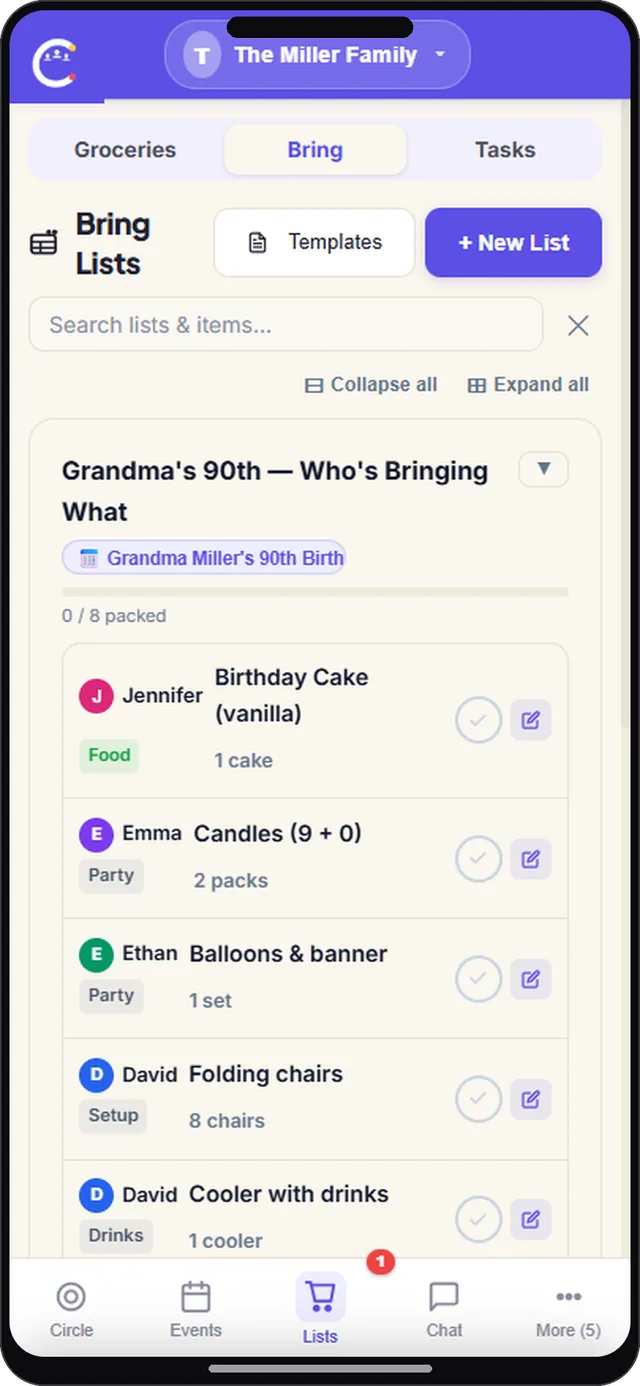
Bring list screen in CircleUs for families
Bring list

Who brings what,
sorted

Build one shared list for the school run or weekend trip and let everyone claim an item. No duplicates, no last minute shop runs, and nothing important left behind.

  • Claim items in a single tap
  • AI suggests what your group needs
  • Live sync keeps everyone updated
  • Works for trips, parties, and meetups
Build your first bring list
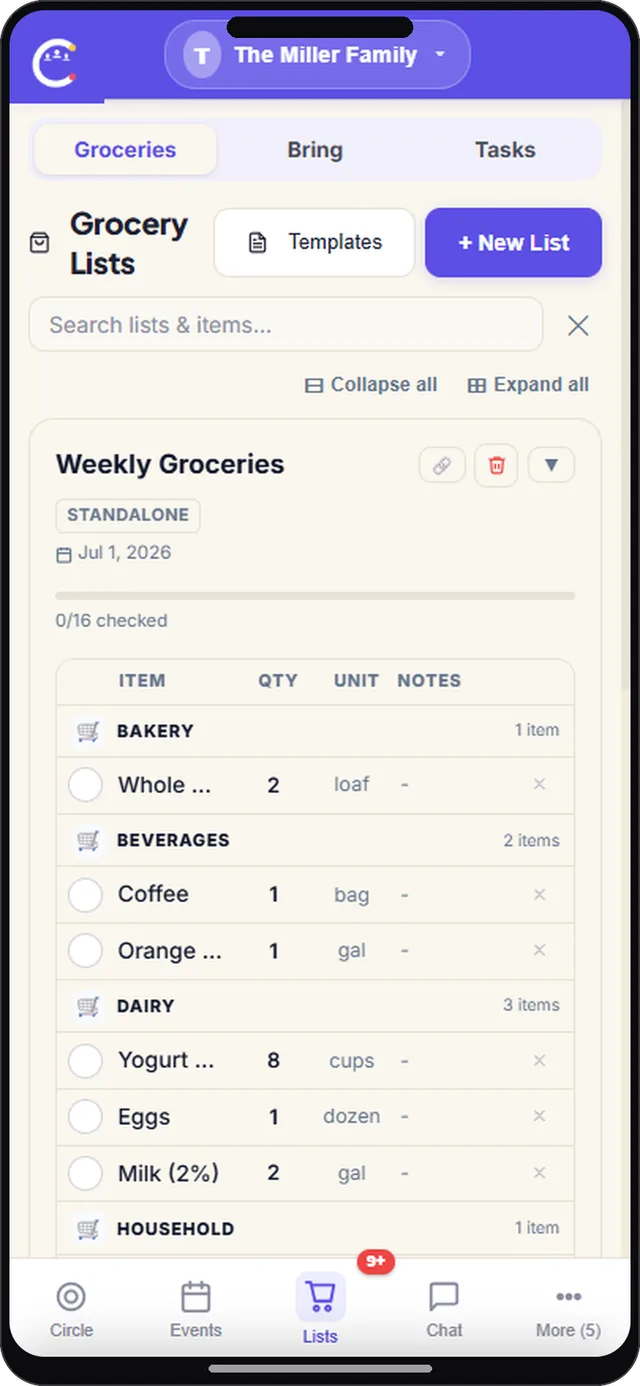
Shared grocery list screen in CircleUs for families
Groceries

One grocery list
the whole house shares

Keep a running grocery list everyone can add to from their phone. Check items off at the store as you go, so you never grab a second carton of milk or forget the one thing you went in for.

  • Add an item the moment you run out
  • Watch the list update live for everyone
  • Check things off as you move through the store
  • Sort by aisle or category to shop faster
Start your grocery list
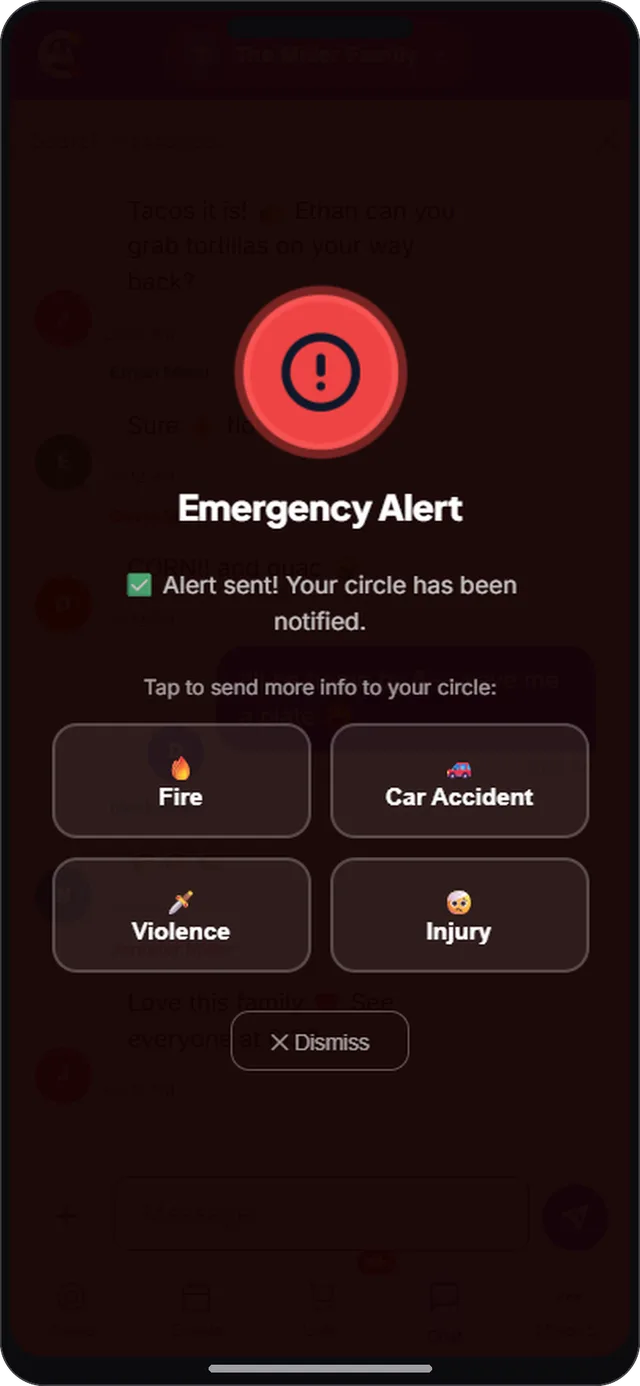
SOS emergency alert screen in CircleUs for families
SOS

One tap to reach
everyone who matters

When something goes wrong, send an SOS to your whole circle in one tap. Everyone gets an instant alert with your location, so family can check in and help right away.

  • Send an SOS alert to the whole circle at once
  • Share your live location during an emergency
  • Choose the alert type, from injury to car trouble
  • Give parents and kids real peace of mind
See how SOS works
What our users say
CircleUs also works for